- Everything you need to know about WWDC 2011
- Engadget’s Apple iOS5 Hands on Preview
- All Things Digital’s Apple’s invisible iCloud the Promise of Simple Seamless Sync
- iBookstore comes to the iTunes store at last
- Apple’s Reading List could be the best thing to happen to Instapaper
- Read Write Web’s Learning to Program with Project Euler
iPad therefore I am.
Incipio Premium Kickstand Review
How to make your iPad 1 feel like an iPad 2
1. Wash your iPad head to home button
2. Give your iPad a facelift with a new case
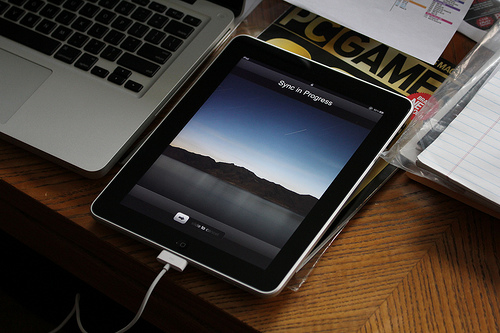
3. Refresh your iPad with some new content
Happy iPad-ing everyone!
{Image via Flickr}
Case In Point
Miss Trenchcoat and I love iPad cases… and by love I mean we are obsessed. At last count, we have eight cases and two body sleeves for our grand total of two iPads in the household. It is a little excessive, we know, but our cases are used for a plethora of reasons. Some are folio cases with covers to protect the screen which are perfect for when we travel, some are cases with built in stands for watching movies together, and some are minimalist back cases to keep the sleek feel of the iPad intact.
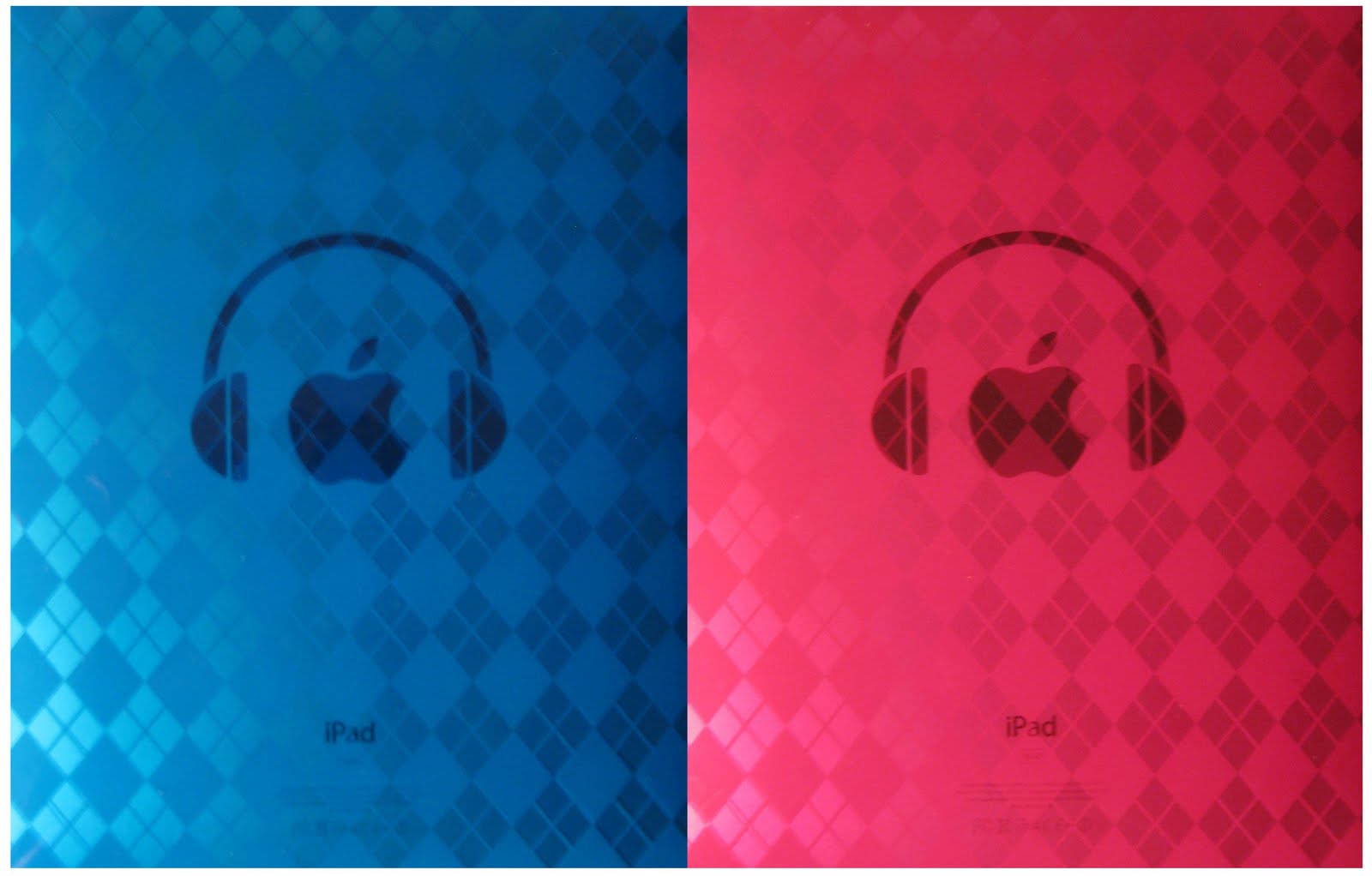
Lately I have found myself using one of those sleek cases for the past few weeks and I am loving it. But this case is special and very very different then any of the other cases we have. While The Pink Mac regularly features cases that we love, most of those cases range from the $50 – $70 range. Now these cases are amazing and have a great level of craftsmanship, however it is obviously a lot of money to invest in a case. This case I am using is different because it cost me a grand total of five dollars (tax not included). I got this case on a whim, it had a nice design, nice feel, and Miss Trenchcoat was getting a pink one so I wanted to match! It really impressed me with the simple design and how it protects the iPad. The rubber feels perfect for gripping and holding, and it surrounds the iPad totally from the back to around the front edge, so it is very hard for dirt and dust to get under the skin of the case. It doesn’t protect the front at all, but with a screen shield on I feel moderately safe leaving the iPad around on a desk or in a drawer. The upside to having no front protection is the iPad is still super thin as intended.
But the point of this article isn’t to review the case, but to remind everyone that those cheap-looking knock-off cases you find in dollar stores may actually turn out to be perfect for your needs. You don’t need to go out spending over $50 for some designer case that you spent hours online researching product reviews of – sometimes it is good to be spontaneous and give the $5 case a shot, because who knows you might end up liking it after all. And at the end of the day, the reason you buy a case for you iPad should be first and foremost: protection. So if it does the same job for less, why not give it a try?
Like New
Image via Flickr
Moleskine New 2011 Collection
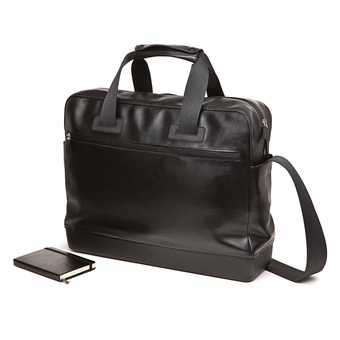
About a week ago, Moleskine released it’s new collection of goods which included not only new versions of their popular journals, but also a travel collection consisting of laptop/work bags, a writing collection consisting of notebook attachable pens and pencils, and a reading collection featuring reading glasses and a book/ereader stand. Their new collection, geared towards the “modern day nomad” blends the elegant styling of the Moleskine brand with the digital vs analog dichotomy faced by the creative and intellectual journalist. As an avid Moleskine enthusiast, I was eager to try out a few items from the new collection and immediately ordered myself the classic rollerball pen and refill, as well as the book/ereader stand.
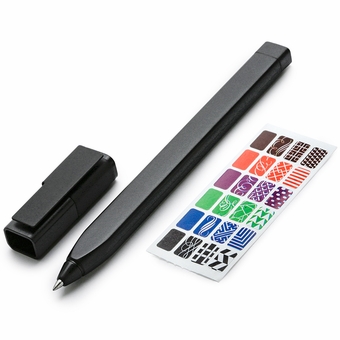
The Classic Rollerball Pen ($15) is a bit more expensive for it’s quality than I expected. From the images online I would have thought the pen to be a sturdy or solid feeling pen, however, it is very lightweight and feels a bit cheap. It writes effortlessly, which is a plus, but the real reason the pen may be worth its high cost is the custom metal cap that holds the pen to the hard cover of a Moleskine journal. I denote hard cover here because this pen does not seem to be meant for the thin cover of the soft Moleskine collection. However, the pen does sit very nicely on the Moleskine when attached to the hard cover, and is the length of a pocket sized Moleskine. The pen attaches nicely on both the pocket and large sized journals and stays put via rubber lining on the metal clip. Overall, the pen is a bit expensive, but I believe worth it for the convenience of having a well designed pen always attached to my Moleskine.
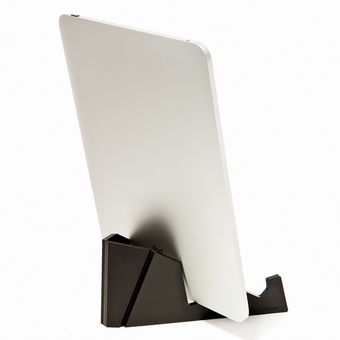
The E-Reader Stand ($18) is much more of a disappointment to me than the pen. It isn’t that the stand feels cheaply made, on the contrary it feels sturdy in the hand, made from a thick molded plastic with a textured finish that aims to mimic the exterior of a Moleskine. My problem with the stand is that its design is overly simplistic. When it comes to using my iPad with this stand, which is what this was clearly designed for as evident in the stock photos of the product, its very hard to do so with certain cases on the iPad. Now, the iPad in the photos are without a case, but I think that it is a bit unrealistic to create a stand without taking iPad cases into consideration. The only cases that really work with this stand are very simple hard shell type cases, and as someone who prefers the use of folio cases, I was very disappointed. The only one of my folio cases I could get to work with this stand was ironically my Moleskine inspired Portenzo case. Now, iPad cases aside, their is one other gripe I have with this stand and it is that it is also being marketed as a book stand, and in the photos Moleskine shows the stand holding up a large sized hard cover journal. I tried to get the stand to hold up my large sized journal, but it just did not work the way you see it in the pictures. Instead of holding the journal at a nice angle for reading, the journal seemed to slip through the stand. However, when I tried this trick with a pocket journal the stand did hold it up properly, and when I tested some other books, things were either hit or miss, but mostly a miss. Overall, I am very disappointed with the functionality of this stand. I purchased it because I liked the idea of a dual iPad and journal stand for work, but it is not living up to the reputation of a Moleskine product.
Gaming For Under $1 – Collision Effect
Basics: The goal of any level is to bring all the orbs of the same color together, without any hitting each other while on their way! You tap one of the colored orbs and all the orbs of the same color fly towards the one you touched. There are two modes, Action and Puzzle each with their own difficulties. In Action, colored orbs come in from off screen and you must quickly tap an orb before any hit each other. You have to be careful of the paths all orbs take since are all moving and no orb but the ones you touch remain stationary. In Puzzle mode the atmosphere is more calm as all the orbs aren’t moving, but the challenge lies in a more complex arrangement of the colored orbs mixed around.
Gameplay: Either fast paced or slow and steady depending on your game mode. In Action, the orbs come in from off the screen and you have to survive wave after wave of managing when to have them combine. Gets very hectic very fast and panic will rush many times as you see two orbs come within pixels of hitting. In Puzzle, it is much more calm but much more difficult to solve. Complex weaves of orbs blocking other paths cause you to have to think and experiment for a while before you finally get it right.
Graphics and Sound: Graphics are beautiful with vivid and bright colors and nice particle effects. The sounds and music are very space-themed and remind me ALOT of any Bejeweled game you might play
Overall: This is a steal for .99 cents. I cannot stop playing this even after reviewing it. Whether you want to play it for five seconds or spend half an hour trying to figure puzzles out, you’ll never be bored. With the choice of a mindless, fast paced Action game or the mindboggling, time consuming challenges of the Puzzle mode, you can play Collision Effect for whatever mood your in. Buy it now before the developers realize the goldmine they are sitting on and raise the price!
Email Jail
Incase Origami Workstation for iPad
I think I have found the perfect solution for writing on the go. The Incase Origami Workstation for iPad is a simple but unique Apple Bluetooth keyboard case that folds into a stand for the iPad. Not only does it lock your keyboard in place for a secure fit, but it also allows you to use your iPad while it is in another case. I am really enjoying the simple factor about this, and also the fact that it does double duty as a case for my bluetooth keyboard. All in all, this case is a great option for those who want to turn their iPad into a mobile workstation with the help of a case/keyboard/stand solution, and for only $30, it may be one of the better deals on the market right now! (Keyboard not included!)